
AASC / PRODUCT
Choose your AASC setup
Desktop, server, browser and phone are ways to work. Choose where the agent runs first.
| Version / role | Runs on | Best for | Next step |
|---|---|---|---|
| Desktop | Your Mac / PC | Daily local development | Setup → |
| Server / CLI | Your server | An always-on workspace | Setup → |
| Browser | Client for your host | Access without another desktop install | Setup → |
| Phone | Client for a paired host | Check sessions and respond away from your desk | Setup → |
- Runtime
- Your chosen machine
- Project files
- Stay on the runtime machine
- AI access
- Your authorized provider access
Keep the original workflow. Add the overview.
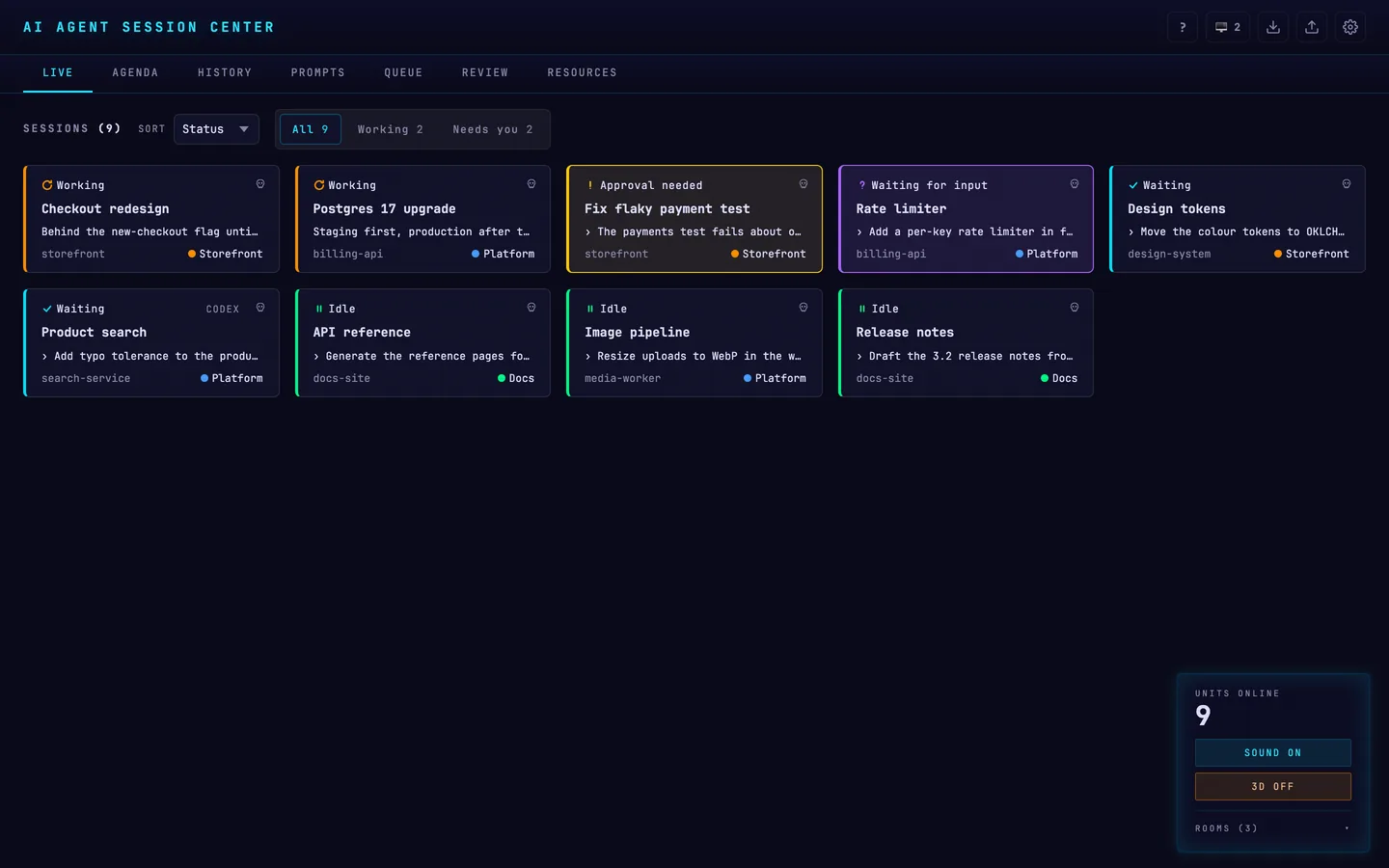
AASC brings terminals, session state and queued prompts together. Batch Operations is a separate companion service for registered project tasks.
START WITH ONE MACHINE