
Bring your own machine.
Install the desktop app, or run the server yourself. Your projects and build tools stay where you already work.
Choose a client →AASC / THE AGENT WORKSPACE
Keep the terminal you know. See every session, queue the next step, and reach your workspace from another device.
Open-source app · v2.10.60 · macOS / Windows / Linux
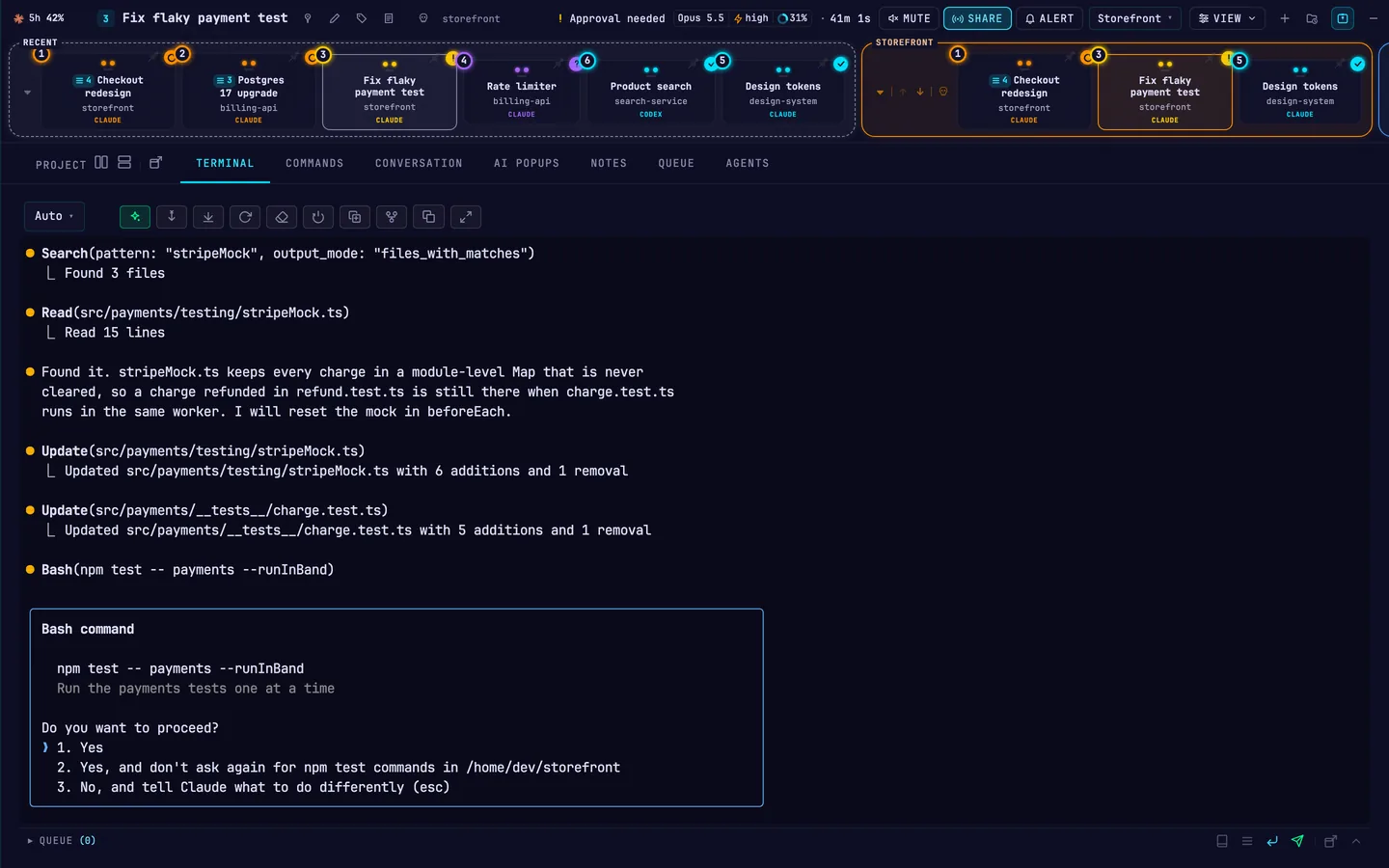
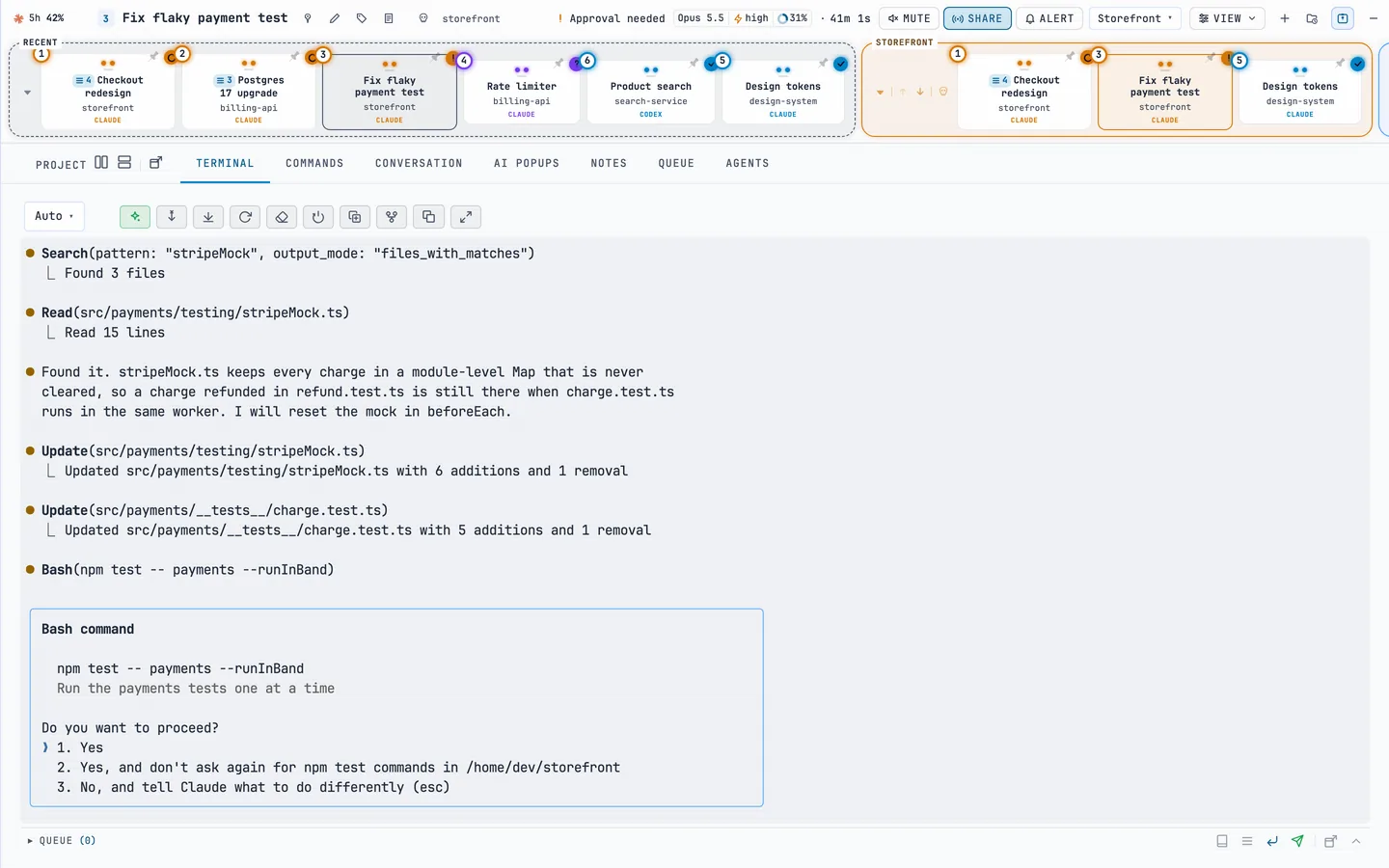
01 / CHOOSE YOUR SETUP
Install the desktop app, or run the server yourself. Your projects and build tools stay where you already work.
Choose a client →An invitation-only service is being prepared. Define your workload, hardware needs and file location before discussing an offer.
See the pilot scope →02 / WORK ACROSS PROJECTS
Choose registered projects, preview the targets, and run a bounded batch. Follow each item from queued to complete.
Self-hosted development pilot. A registered runner must stay online.
One request. Three projects.
Morning repository check
Each project keeps its own attempts and result. A disconnected client does not erase the job.
03 / OPERATE THROUGH CODEX
Connect local Codex to AASC Operations through MCP. Inspect runners, submit work and track results in one shared control service.
See the MCP setup →EXAMPLE REQUEST
“Check these projects. Run two at a time. Show me what needs attention.”
BEFORE YOU START
On the machine running the agent. The public website does not upload or store your project files.
The open-source app does not include provider access. Bring authorized Claude Code or Codex access; managed offers will state their requirements separately.
Jobs on an online remote runner can continue. Jobs assigned to your laptop wait while it is offline.
Check the link expiry, client version, machine availability and application connection separately.
START WITH ONE MACHINE